Introduction
Learning advanced formulas and functions using Excel
()
1. Using Tables and Dynamic Arrays for Data Integrity and Consistency
Tables
()
Tables and absolute cell references
()
Introducing dynamic arrays
()
2. The World of IF Statements and Conditions
IF function
()
SUMIFS and COUNTIFS
()
MAXIFS, MINIFS, and AVERAGEIFS
()
3. Look Up, Down, and All Around: Compare and Combine with Lookups
VLOOKUP
()
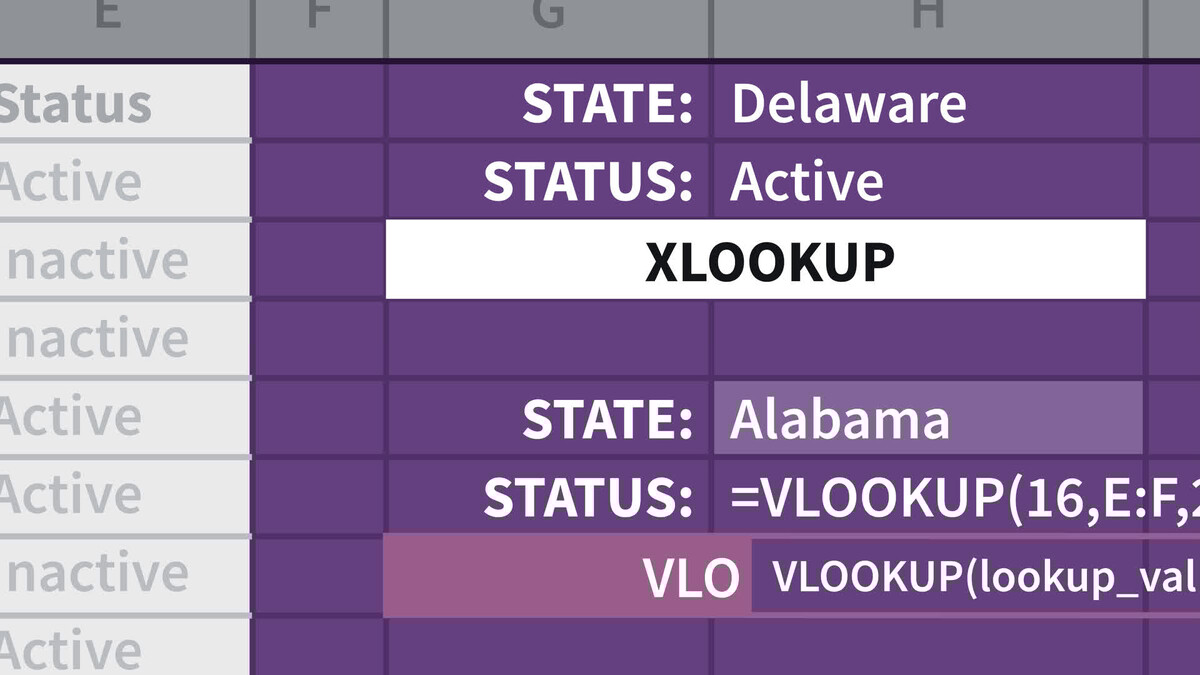
XLOOKUP
()
Comparing VLOOKUP and XLOOKUP
()
INDEX MATCH
()
The INDEX MATCH vs. VLOOKUP controversy
()
Two-way lookups
()
Approximate or tiered matches
()
INDIRECT
()
4. Formula Tips and Strategies
Use ALT+ENTER to make formulas more readable
()
Formula vs. lookup table
()
Formula vs. helper columns
()
Developing your own style with formulas and functions
()
Build complex formulas in steps
()
Writing formulas for your future self
()
Compatibility functions
()
Writing 3D formulas
()
Volatile functions
()
LET function overview
()
Error handling: IFNA and IFERROR
()
5. Midterm Challenges
Introduction to the midterm challenges
()
Challenge 1: Assignments
()
Challenge 2: Guitars
()
Challenge 3: Course completions
()
6. Date and Time Functions
Time, rounding, and converting to decimals
()
EOMONTH
()
YEARFRAC
()
7. Working with Text and Arrays
LEFT, RIGHT, and MID
()
UPPER, LOWER, and PROPER
()
TEXTJOIN
()
FILTER
()
UNIQUE
()
TOCOL
()
TEXTBEFORE and TEXTAFTER
()
RANDARRAY
()
8. Statistical Functions
LARGE and SMALL
()
MEDIAN and MODE
()
FACT
()
COMBIN and COMBINA
()
9. Math Functions
Rounding
()
MROUND, CEILING, and FLOOR
()
MOD
()
10. Wildcards
Wildcards
()
XLOOKUP with wildcards
()
11. New, Handy, and Fun Functions
ROMAN and ARABIC
()
FORMULATEXT
()
Images in functions
()
CHAR and CODE
()
ISEVEN
()
12. Final Challenges
Introduce the finals
()
Challenge 1: Towers
()
Challenge 2: Donations
()
Challenge 3: Assignment
()
Challenge 4: Course order
()
Challenge 5: Home selection
()
Conclusion
A word about AI tools
()
Take your Excel skills to the next level
()
Ex_Files_Excel_Advanced_Formulas.zip
(9.3 MB)